Optimizing Cyberpunk 2077 on the Nvidia RTX 5060 Ti: Best Settings for Rasterization and Ray Tracing in 2026
As a gamer who recently got my hands on Nvidia's new midrange champion, the RTX 5060 Ti, I was eager to test its capabilities with one of the most visually demanding titles available: Cyberpunk 2077. This game, set in the sprawling dystopian metropolis of Night City, is renowned for pushing hardware to its limits with its advanced graphical features. The RTX 5060 Ti, designed specifically for smooth 1440p gaming, promised to deliver a fantastic experience. My goal was to find the perfect balance between stunning visual fidelity and buttery-smooth performance, exploring both traditional rasterized graphics and the transformative power of real-time ray tracing. This journey through Night City's neon-drenched streets would be the ultimate test for this new graphics card.
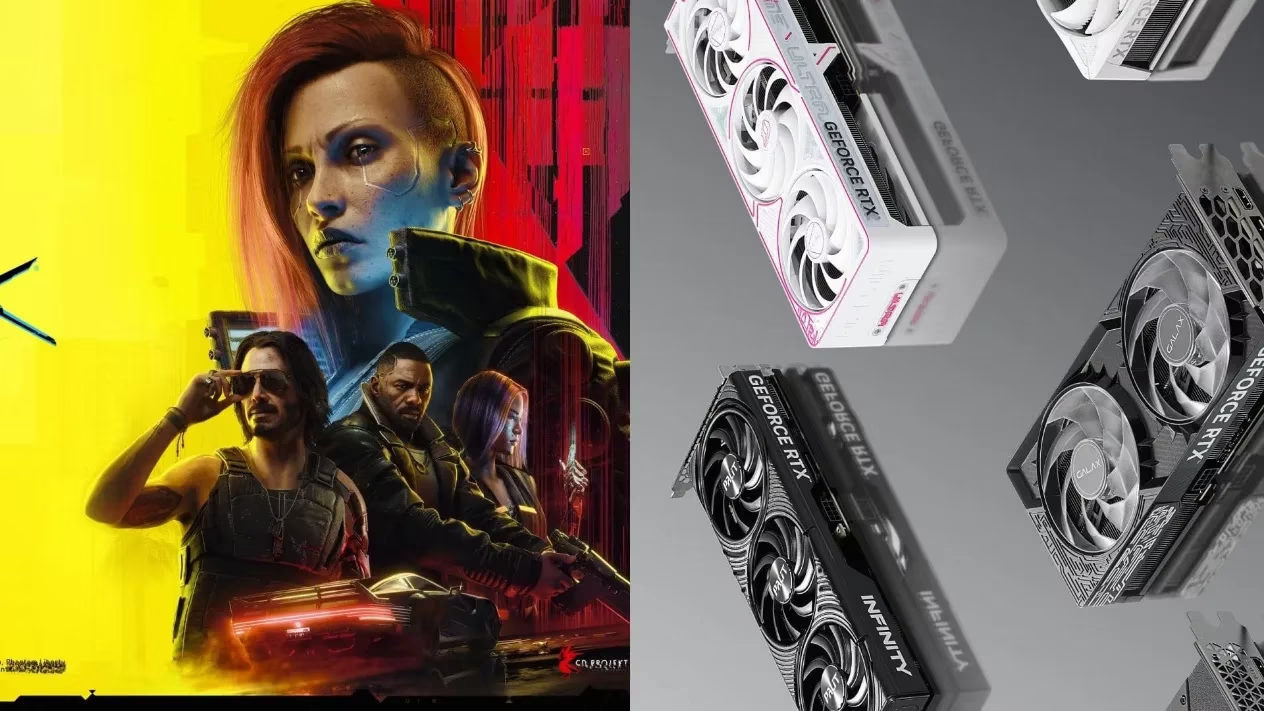
Understanding the RTX 5060 Ti's Capabilities
The Nvidia RTX 5060 Ti isn't just another graphics card; it's a technological leap for the midrange segment. Powered by Nvidia's latest architecture, it incorporates groundbreaking features like Neural Shading and Neural Textures. These AI-driven technologies work behind the scenes to usher in a new level of visual detail and performance efficiency. For a game like Cyberpunk 2077, which utilizes some of the most advanced ray-tracing techniques—including Ray-Traced Reflections, Sun Shadows, and Lighting—having the right hardware is crucial. While the game even features an experimental path-tracing mode that can completely alter the atmosphere, that feature remains a technological preview and is incredibly demanding. My testing confirms that the RTX 5060 Ti is perfectly poised to handle the standard, yet incredibly immersive, ray-traced world of Night City without breaking the bank.
The Foundation: Best Rasterization Settings for 1440p
Before diving into the ray-traced abyss, I wanted to establish a flawless baseline using traditional rasterization. The goal was a locked 60+ FPS experience at 2560 x 1440 resolution with Ultra-level detail. After extensive tweaking and benchmarking, I arrived at the following optimized configuration. These settings prioritize raw performance and visual clarity, ensuring a stutter-free journey through every district of Night City.
Display & Core Settings:
-
Monitor: 1
-
VSync: Off (Enable only if your monitor lacks G-Sync or FreeSync)
-
Maximum FPS: Off
-
Windowed Mode: Fullscreen
-
Resolution: 2560 x 1440
-
HDR Mode: None
-
NVIDIA Reflex Low Latency: On ✅ (Essential for reducing input lag)
Quality Presets & Upscaling:
-
Quick Preset: Custom
-
Texture Quality: High
-
DLSS Frame Generation: Off
-
DLSS Super Resolution: Off
-
DLSS Sharpness: 0.40
-
DLSS Ray Reconstruction: Off
-
Nvidia DLAA: On ✅ (Provides superior anti-aliasing)
-
Dynamic Resolution Scaling: Off
-
AMD FSR 2.1 / Intel XeSS 1.1: Off
Visual & Post-Processing Effects:
| Setting | Recommendation | Impact |
|---|---|---|
| Field of View | 90 | Perfect balance of immersion and spatial awareness. |
| Film Grain | Off | Removes unnecessary noise for a cleaner image. |
| Chromatic Aberration | Off | Disables color fringing for sharper visuals. |
| Depth of Field | On | Adds cinematic focus to conversations and scenes. |
| Lens Flare | Off | Reduces potential visual distraction. |
| Motion Blur | Off | Crucial for maintaining image clarity during fast movement. |
Advanced Graphics Details:
-
Contact Shadows: On
-
Improved Facial Lighting Geometry: On
-
Anisotropy: 8
-
Local Shadow Mesh Quality: High
-
Cascaded Shadows Range: High
-
Cascaded Shadows Resolution: Medium (A smart performance save)
-
Distant Shadows Resolution: High
-
Volumetric Fog Resolution: High
-
Volumetric Cloud Quality: High
-
Max Dynamic Decals: Ultra
-
Screen Space Reflections Quality: High
-
Subsurface Scattering Quality: Ultra
-
Ambient Occlusion: Ultra
-
Color Precision: High
-
Mirror Quality: High
-
Level of Detail (LOD): High
-
Crowd Density: Medium (Helps maintain FPS in dense city areas)
Ray Tracing: All options set to Off for this profile.
With this configuration, the RTX 5060 Ti delivers an exceptionally smooth and detailed rasterized experience. The streets of Watson and the glitz of Westbrook look phenomenal, proving this GPU is a powerhouse for traditional rendering.
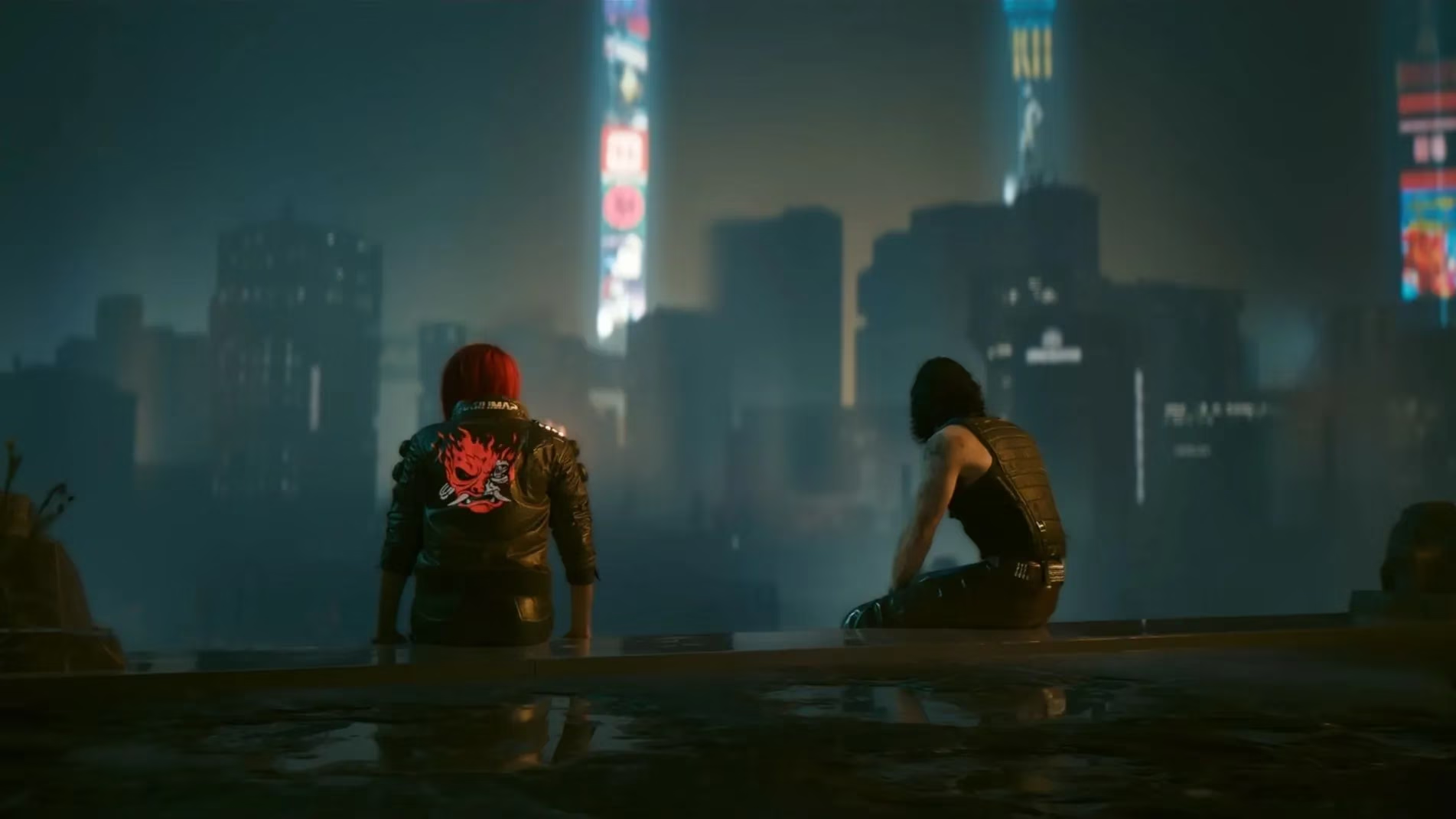
The Ray Tracing Revolution: Unleashing Night City's True Light
Now, for the main event: ray tracing. This is where Cyberpunk 2077 truly sings and where the RTX 5060 Ti's architectural advantages shine. Ray tracing simulates the physical behavior of light, creating reflections that are true to the scene, shadows with accurate softness and contact hardening, and global illumination that bounces light realistically. Activating it transforms Night City from a visually impressive game into a living, breathing digital world. However, it is computationally intensive. My optimized settings below enable all key ray-traced effects while maintaining a solid 60 FPS at 1440p, thanks to intelligent use of Nvidia's AI upscaling.
The core display and visual settings (VSync, Windowed Mode, Resolution, Field of View, Post-Processing) remain identical to the rasterization profile for consistency. The critical changes are in the upscaling and ray tracing sections.
Key Changes for Ray Tracing Performance:
-
DLSS Super Resolution: Balanced ✅ (This AI-powered upscaler is non-negotiable for maintaining high framerates with ray tracing enabled. It renders the game at a lower resolution and uses AI to reconstruct a sharp, detailed 1440p image.)
-
DLSS Ray Reconstruction: On ✅ (This technology uses AI to improve the quality of ray-traced effects, reducing noise and improving the clarity of reflections and lighting. It's a game-changer.)
-
Anisotropy: 16 (Increased to complement the higher detail of ray-traced surfaces.)
-
Cascaded Shadows Resolution: High (Ray tracing handles shadows, but this setting improves traditional shadow fallback.)
Ray Tracing Settings (All ON):
-
Ray Tracing: On
-
Ray-Traced Reflections: On
-
Ray-Traced Sun Shadows: On
-
Ray-Traced Local Shadows: On
-
Ray-Traced Lighting: On
-
Path Tracing (All Modes): Off (Still too demanding for consistent 60 FPS on this GPU)
Final Thoughts and Recommendations
After hours of exploring Night City with both configurations, I can confidently say the Nvidia RTX 5060 Ti is a phenomenal match for Cyberpunk 2077 in 2026. Here’s my breakdown:
-
For Competitive or Silky-Smooth Gameplay: Use the Rasterization Settings. You'll get the highest possible framerates (often well above 60 FPS) with incredibly high-quality textures and effects. It's the most responsive way to experience the game.
-
For the Ultimate Immersive Experience: Use the Ray Tracing Settings. The visual uplift is staggering. Puddles accurately reflect neon signs and towering skyscrapers, shadows behave realistically with the time of day, and interior lighting feels natural and dynamic. The combination of DLSS Balanced and Ray Reconstruction ensures performance stays smooth while image quality remains exceptional.
Ultimately, the RTX 5060 Ti delivers on its promise as a 1440p champion. It allows gamers to experience one of the most graphically sophisticated worlds ever created, with the freedom to choose between flawless performance or cutting-edge visual immersion. Cyberpunk 2077 has earned its status as a benchmark title, and with these settings, your journey through its dystopian wonder will be nothing short of breathtaking. 🎮✨
Discussion